
Mobile app
The Workplace Portal, in Your Pocket.
Sign in with your work account and carry on with approvals, memos, leave and any workplace app your organisation has enabled.

What you can do
Approve, Read, Request. Then Get on With Your Day.
These are screenshots of the app. Exact modules depend on what your organisation has enabled.
Home
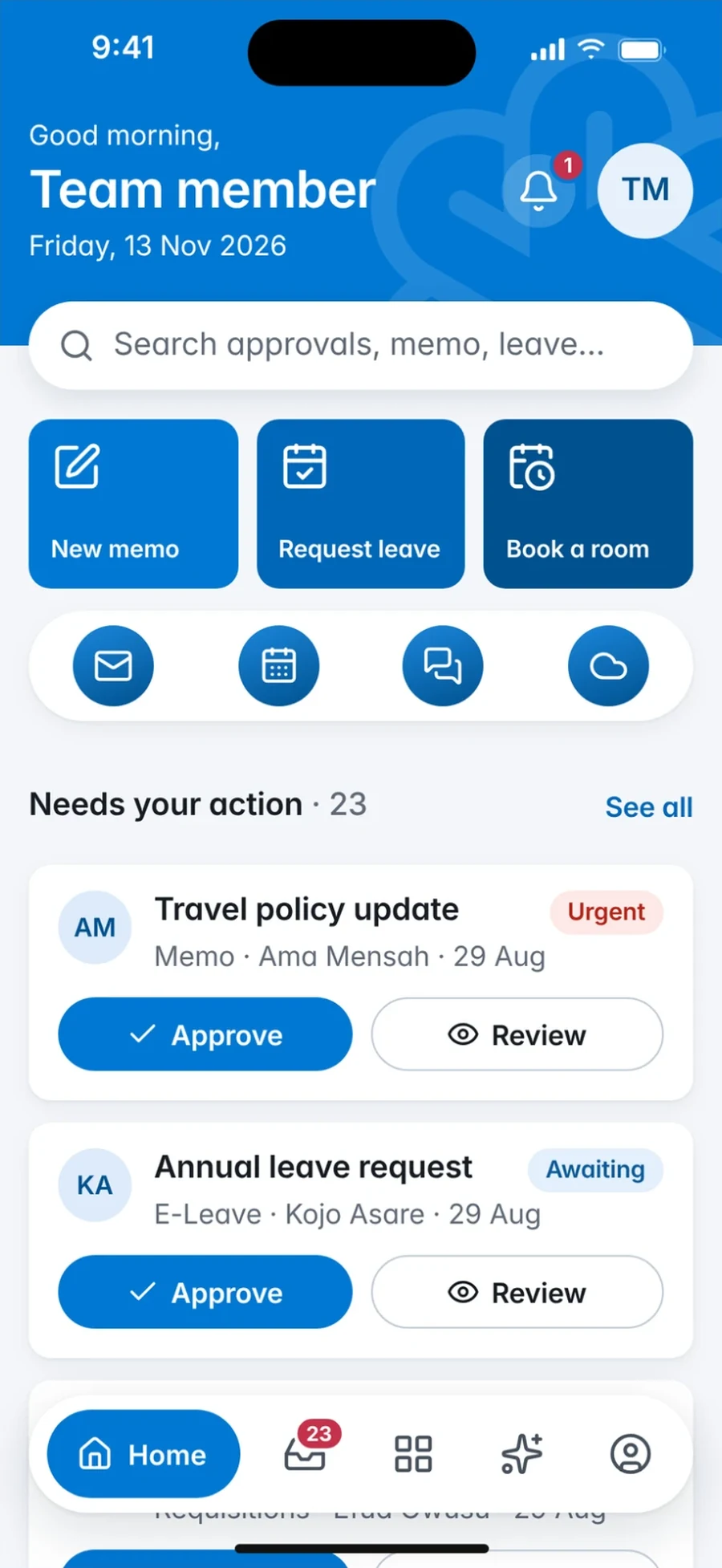
A greeting, quick actions for a new memo, a leave request or a room booking, and what needs your action.
Smart Workplace mobile app, Home screen: Home: greeting, quick actions and the items needing your action Apps
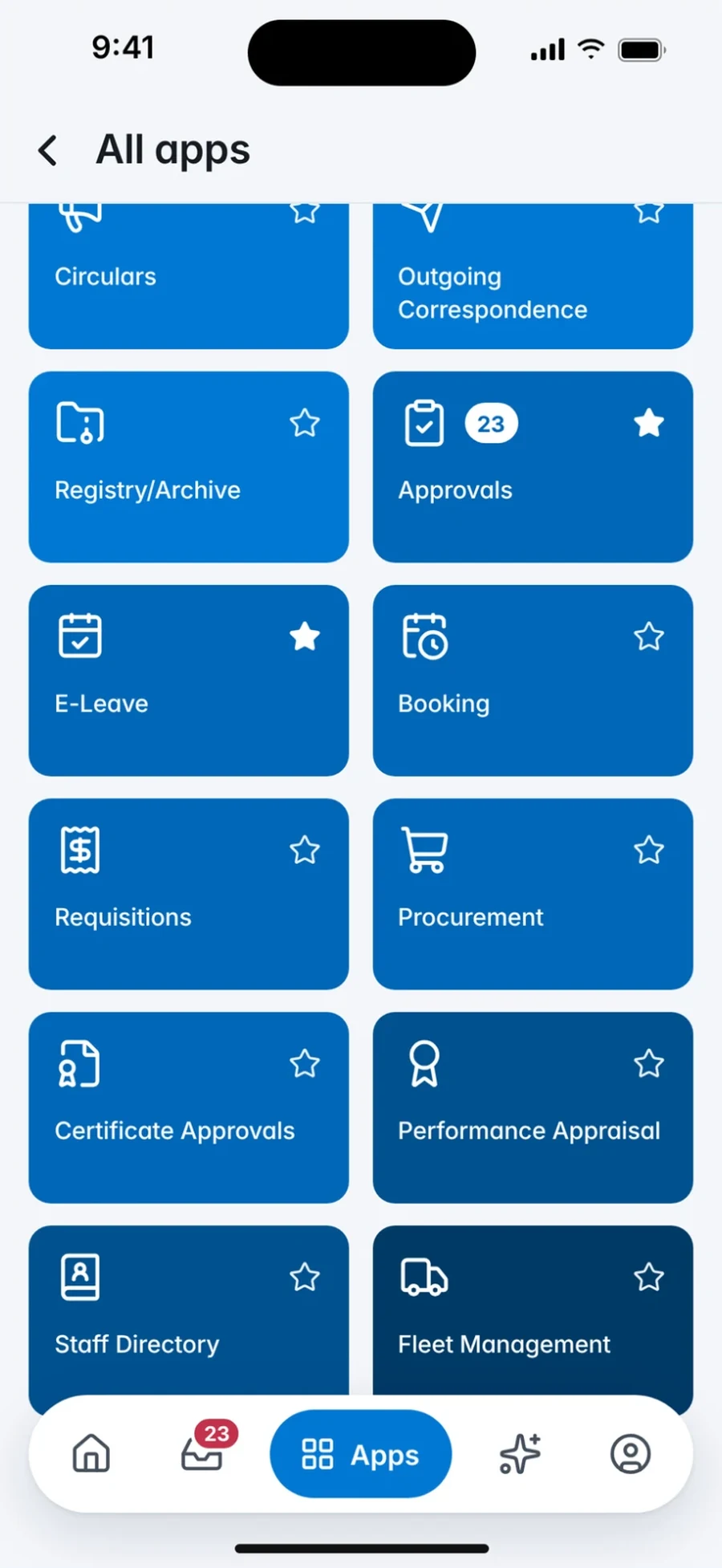
Every module your organisation has enabled as a tile, grouped into shelves, with your favourites starred.
Smart Workplace mobile app, Apps screen: All apps: every module as a tile, with favourites marked Approvals
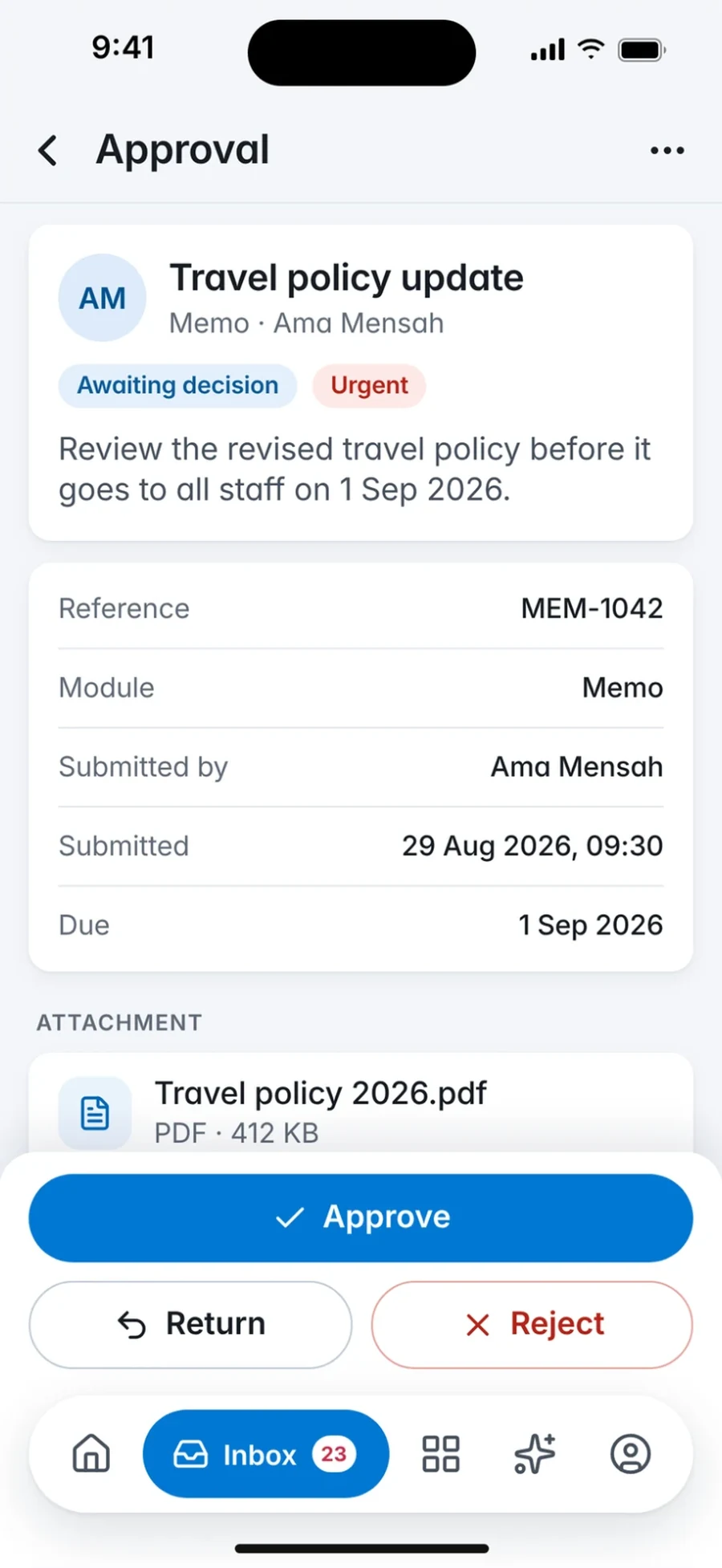
The request, its details and attachment, with Approve, Return and Reject kept within reach.
Smart Workplace mobile app, Approvals screen: Approval: the request, its details and Approve, Return or Reject Memo
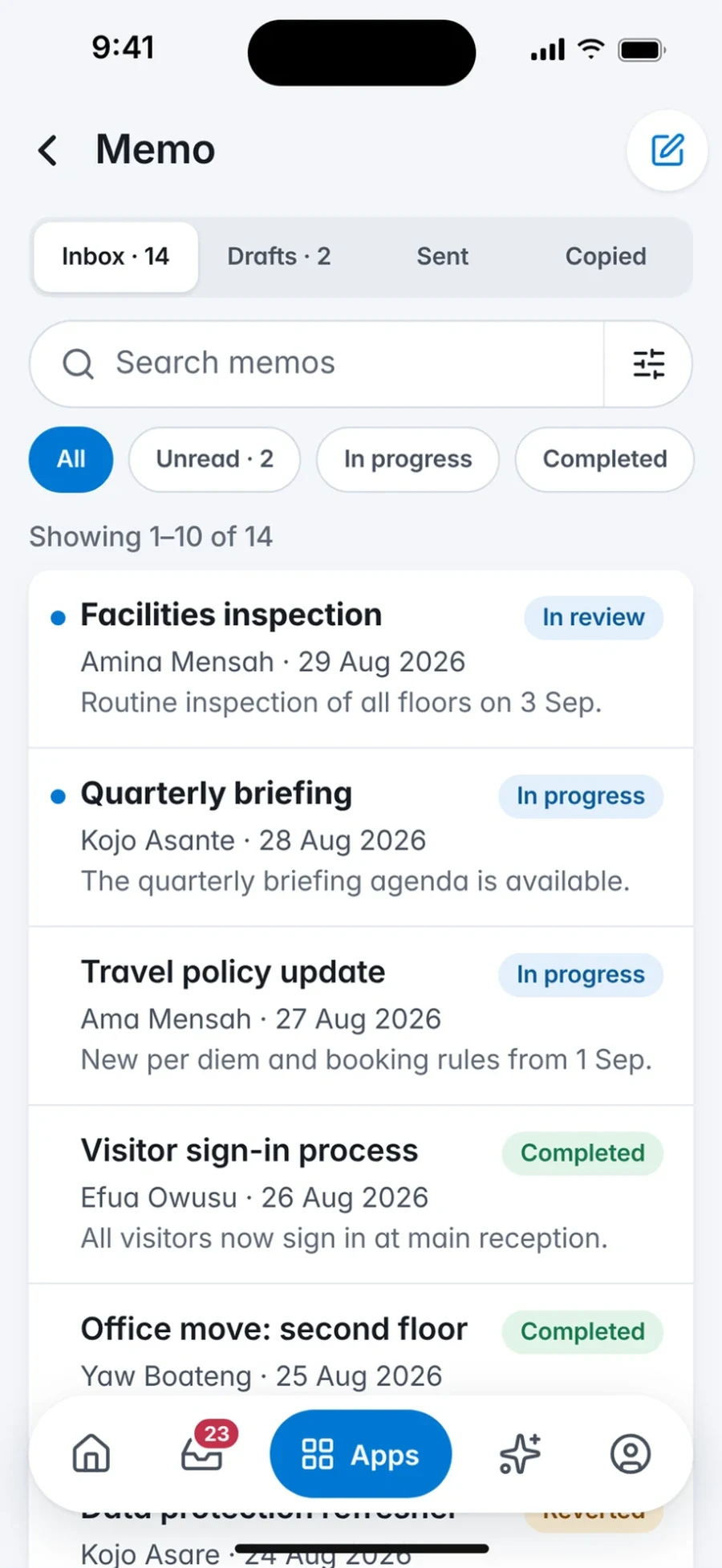
Inbox, drafts, sent and copied memos, each with its status, and unread items marked.
Smart Workplace mobile app, Memo screen: Memo: inbox, drafts, sent and copied memos with their status Leave
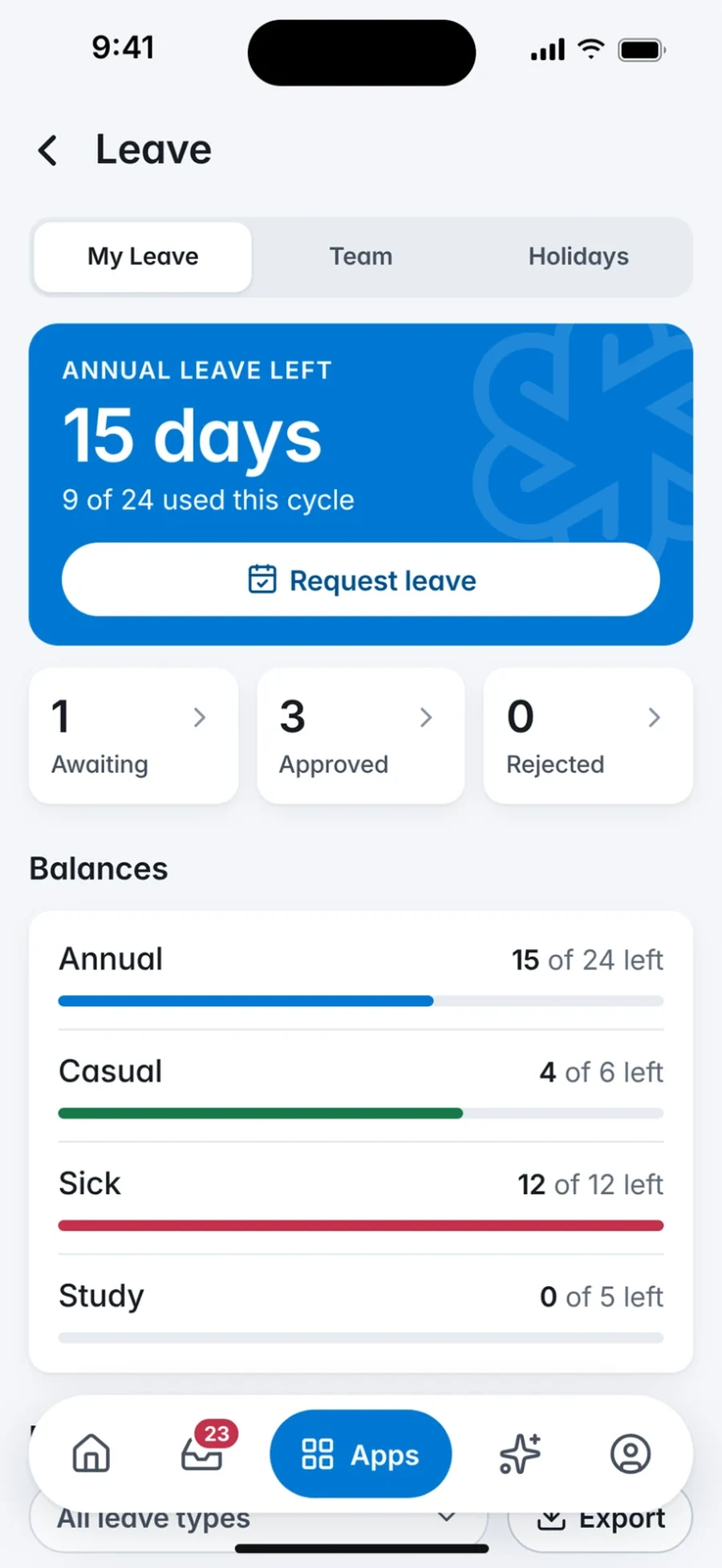
Days left this cycle, your balances by type and a Request leave button at the top.
Smart Workplace mobile app, Leave screen: Leave: days left, balances and Request leave Correspondence
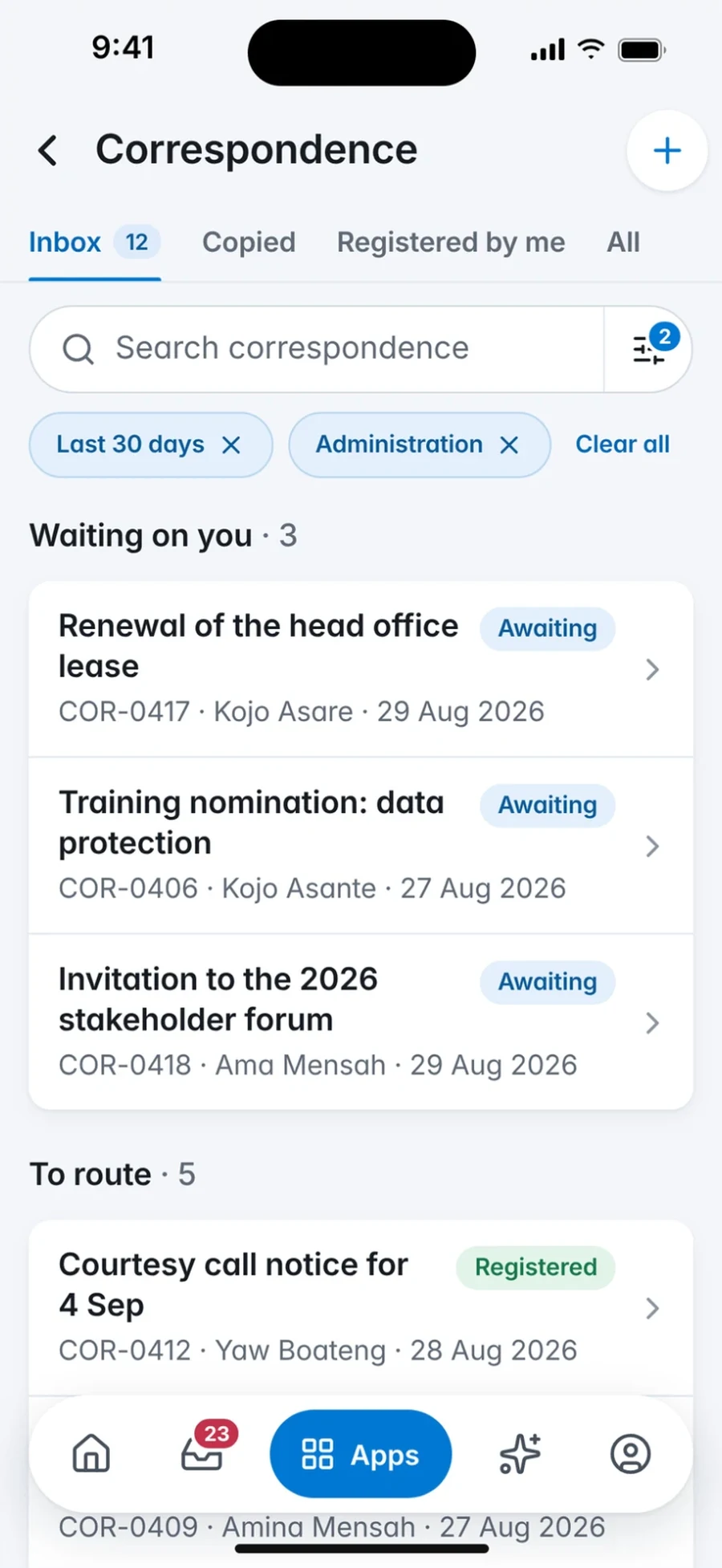
Incoming letters waiting on you and those to route, each with its reference and status.
Smart Workplace mobile app, Correspondence screen: Correspondence: letters waiting on you and to route
Work-account access
No Consumer Accounts. Your Organisation Stays in Control.
People sign in with the account your organisation issues and governs. Access follows your identity policies, so people lose access when their account is disabled.
Work-Account Sign-In
Authentication is handled by your organisation's identity platform, including multi-factor authentication where your platform and policy provide it.
Organisation Prerequisites
Your organisation must be live on Smart Workplace and have mobile access enabled for your account.
Connectivity
The app connects to your organisation's Smart Workplace environment; availability depends on your deployment path and network policy.
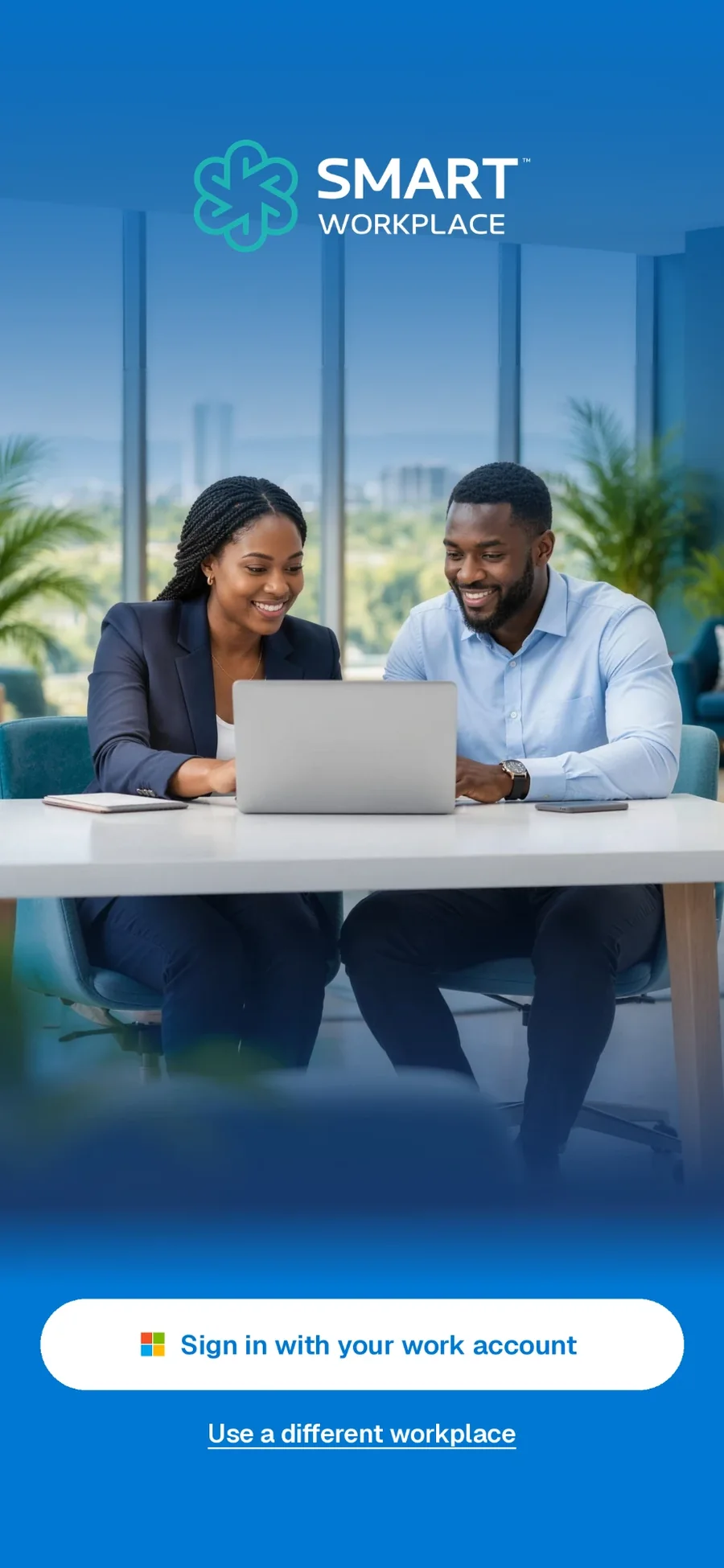
The sign-in screen
Get the App.
Check with your IT team that mobile access is enabled for your account.
Public store links will be enabled once the listings are verified.
See it for yourself
Bring Your Workplace Into One View.
Request a guided 30-minute demo with eSolutions Consulting Ghana. We will walk through the workflows that matter to you and talk through the deployment path that fits.
Talk to the team
64 Ben Amartey Street, East Legon, Greater Accra, Ghana